
Spottyr
USERS
Personal Trainers
ROLE
UI | UX
Purpose
Design Alignment
PROJECT OVERVIEW
Spottyr is a personal trainer app designed to manage clients, schedule training sessions, and build personalized workout programs all in one seamless platform. My role in this project was to create an updated design system for the live app.
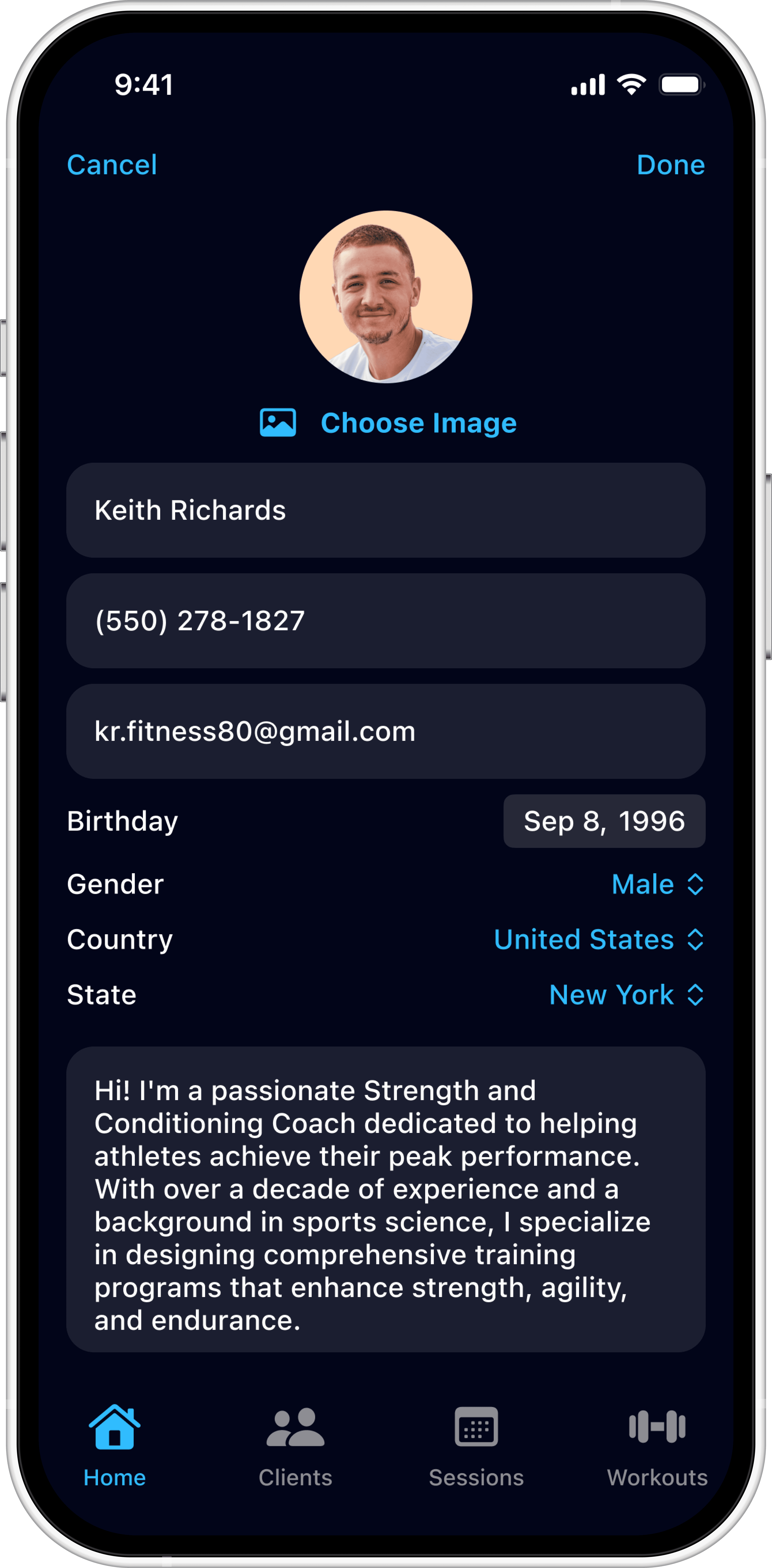
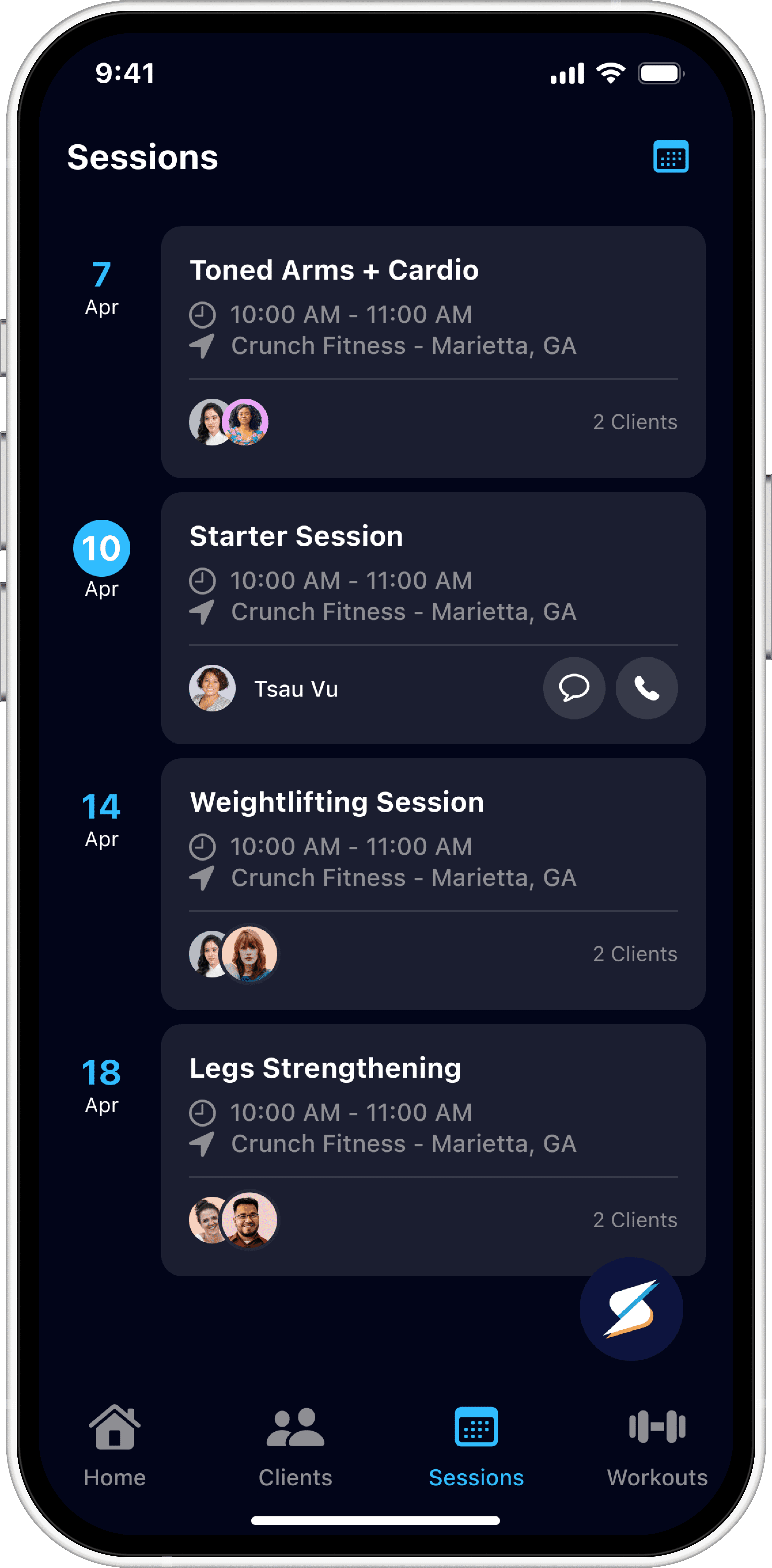
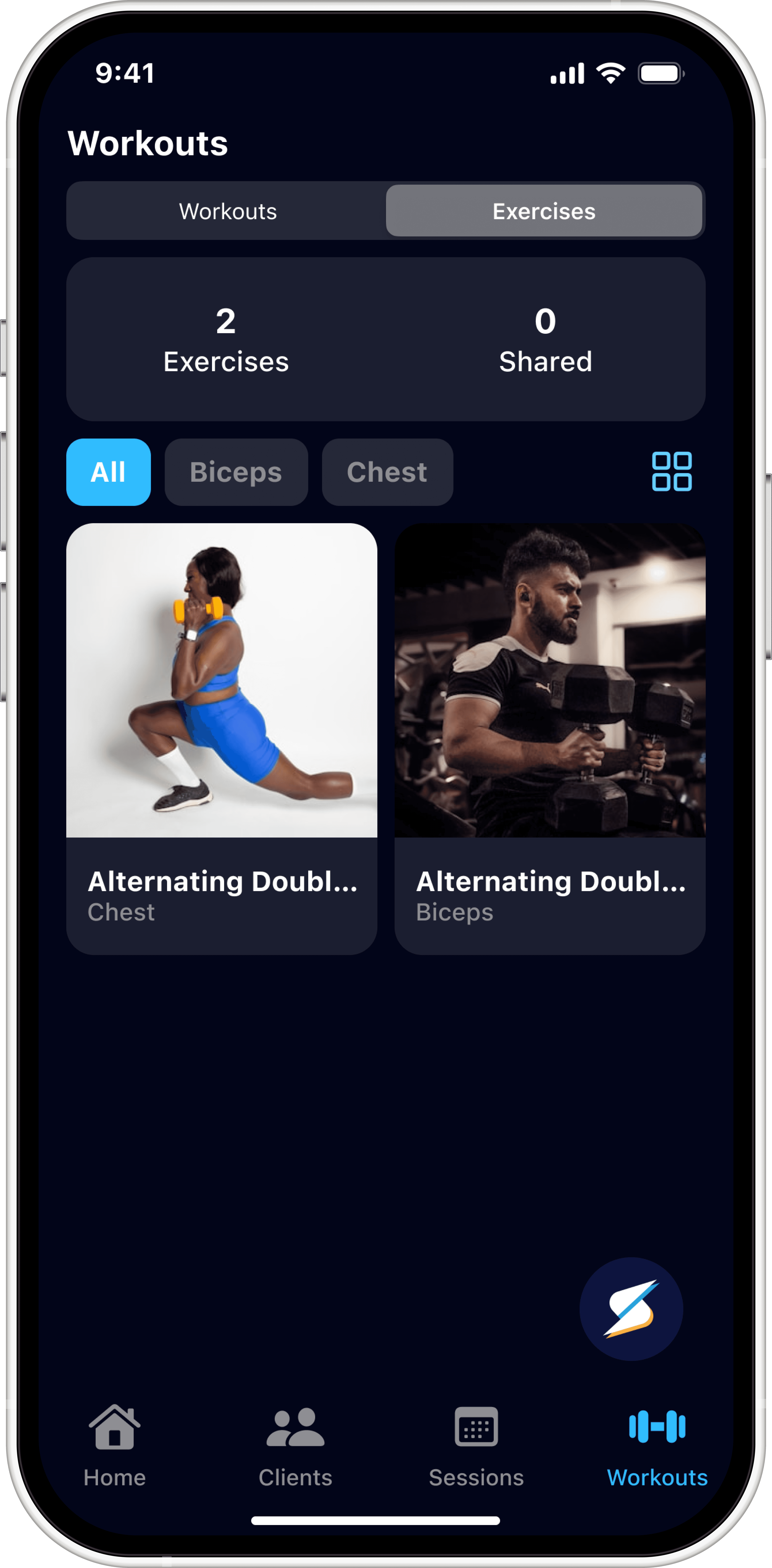
The app was already launched, but existing wireframes were outdated and no longer matched the implemented UI.
Outdated Wireframes
The wireframes were not maintained as the app evolved.
Inconsistent Design Elements
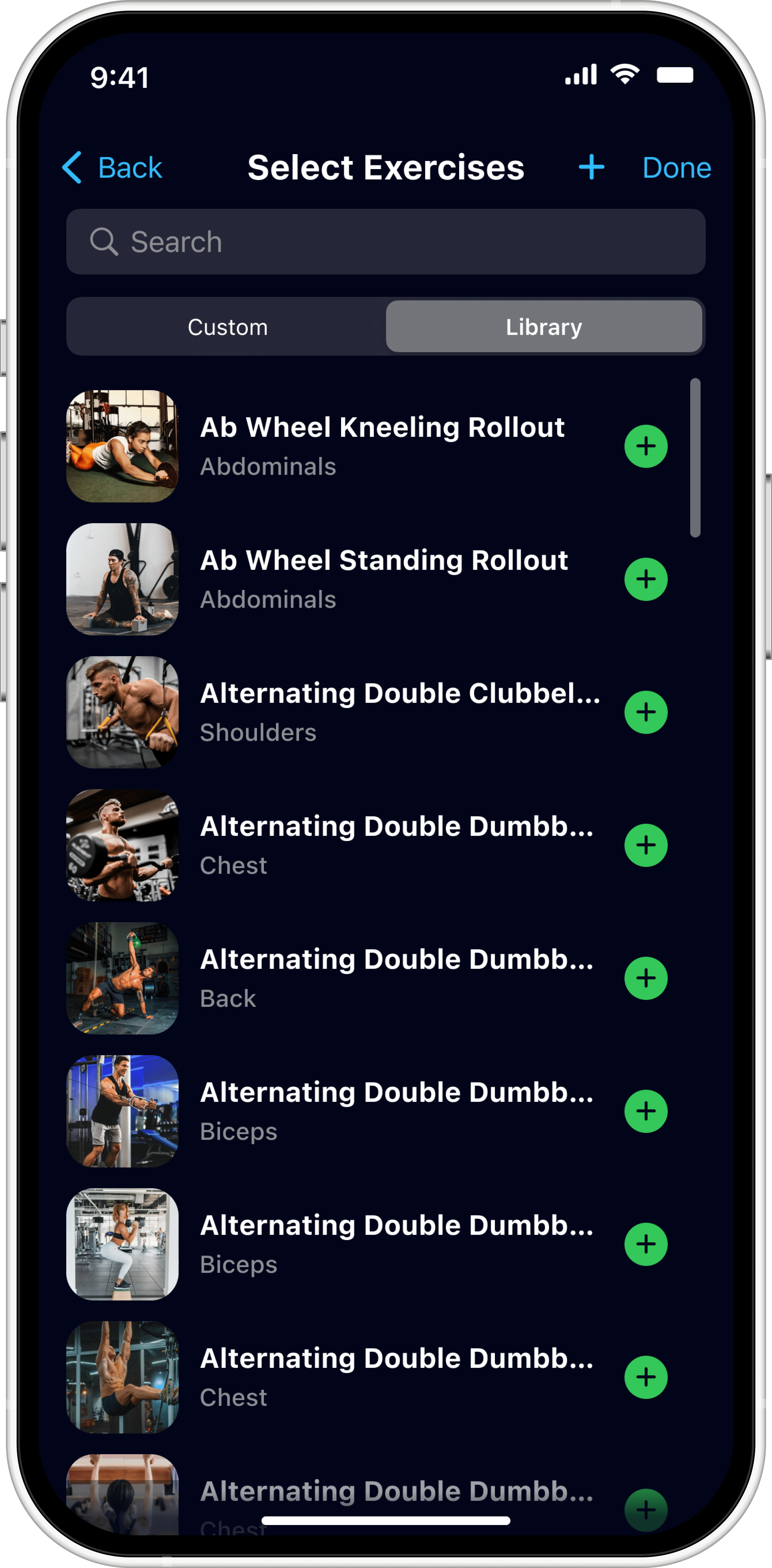
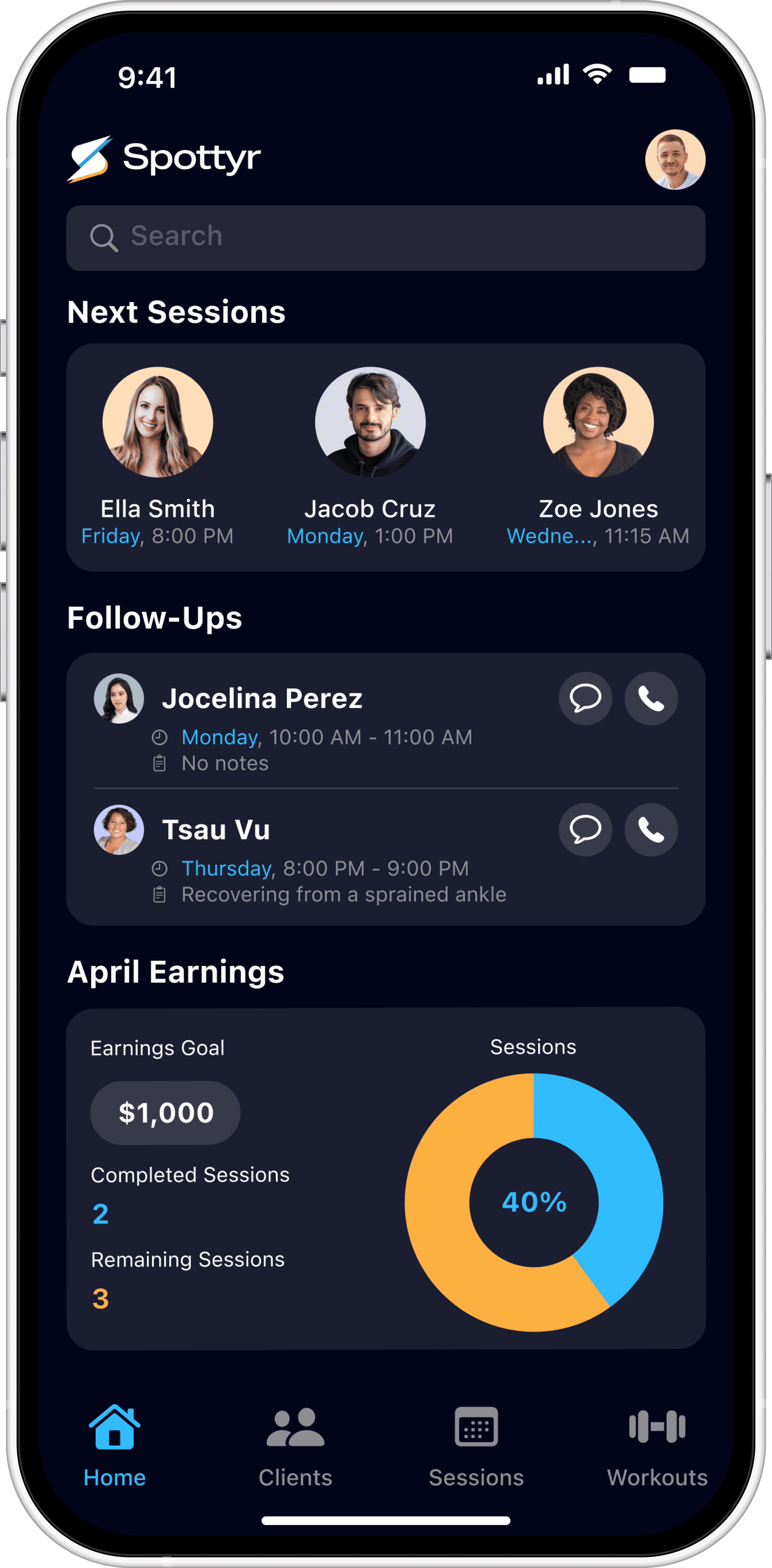
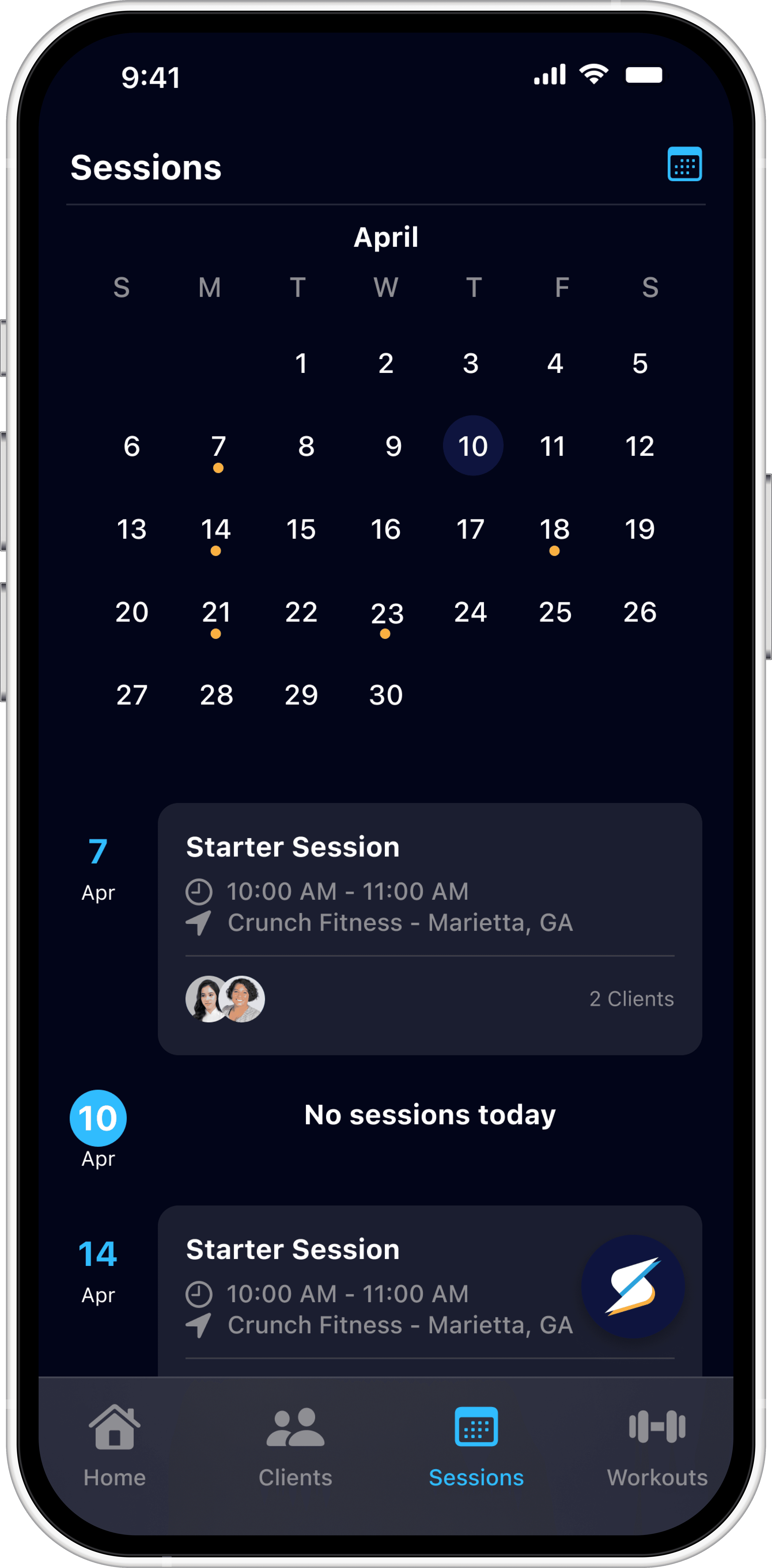
Existing UI elements varied across the Clients, Sessions, and Workouts screens.
Undefined Feature Direction
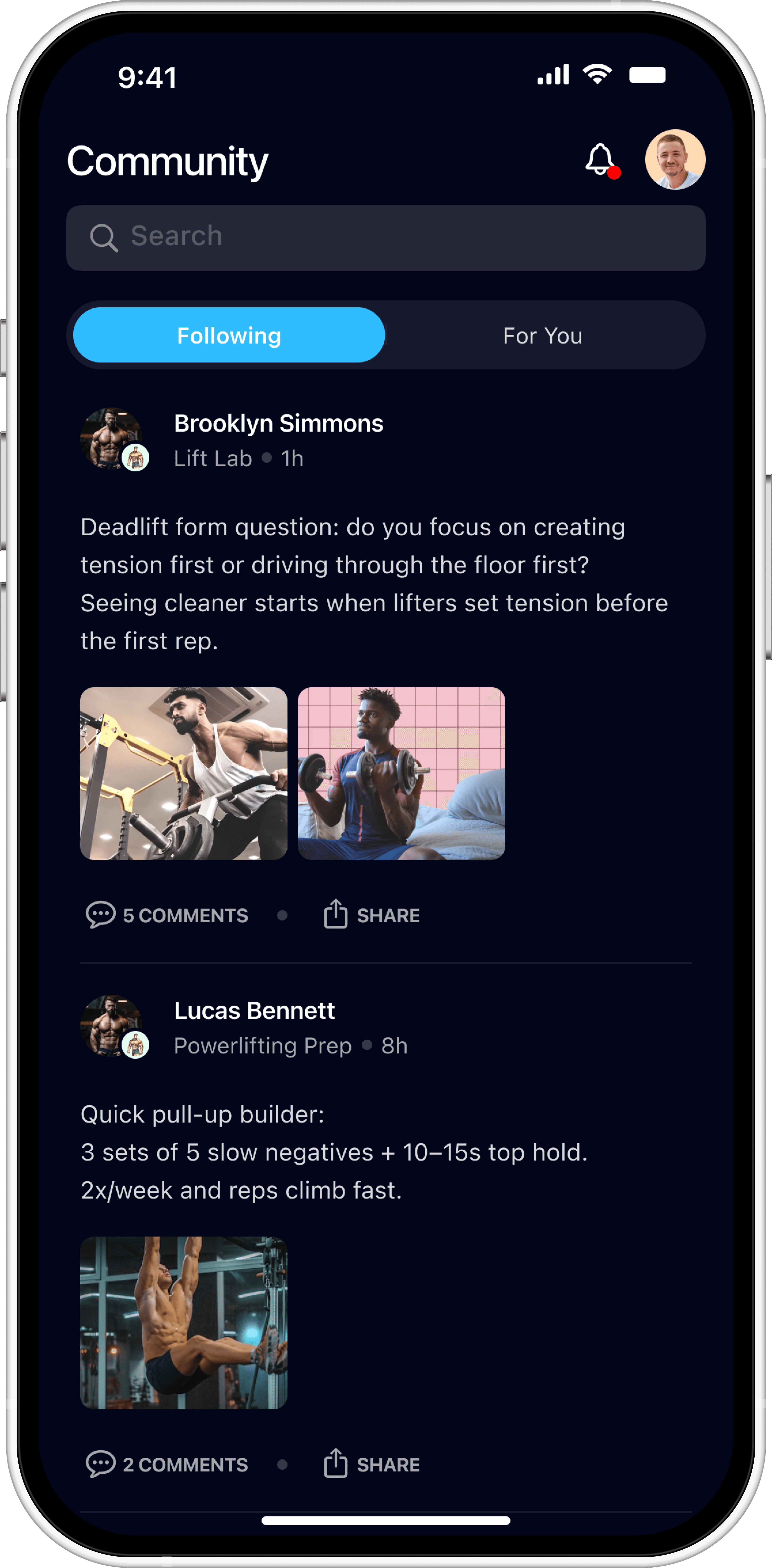
The planned Community feature needed initial UX direction that fit the established navigation.
Alignment
Analyzed the app layout and navigation
Identified outdated designs and areas of UI inconsistency
Design & Implementation
Rebuilt wireframes to match the implemented UI and capture key screen states
Created reusable components for design consistency
Collaboration & Feature Ideation
Partnered with the lead developer to brainstorm Community feature concepts
The final solution delivers updated wireframes and refined components that reflect the live app.
Current State Wireframes
The wireframes now mirrors the production UI.
Reusable UI Components
The design system now includes refined components and variables.
Community Feature Concepts
The Community feature has UX direction for future implementation.
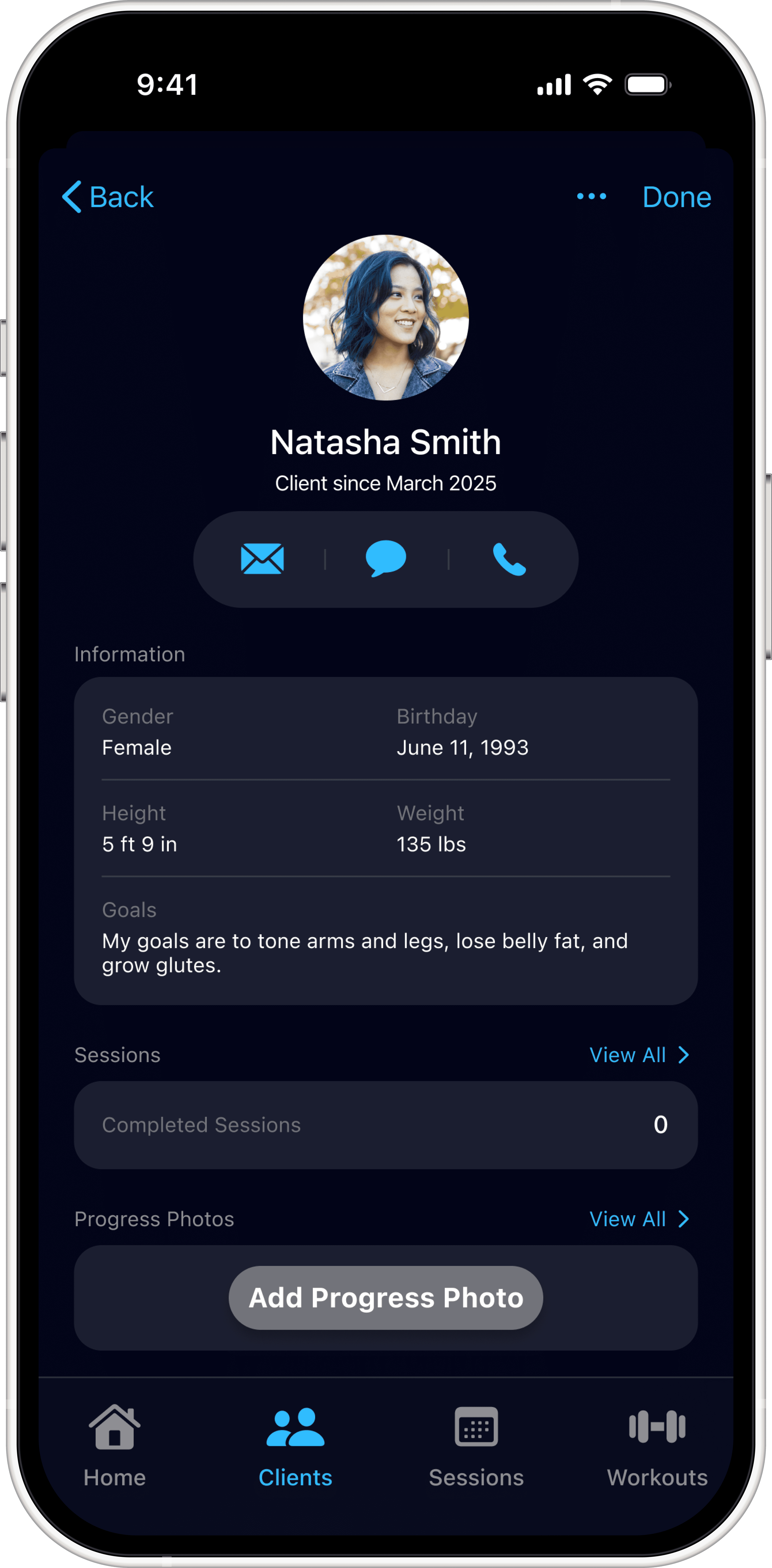
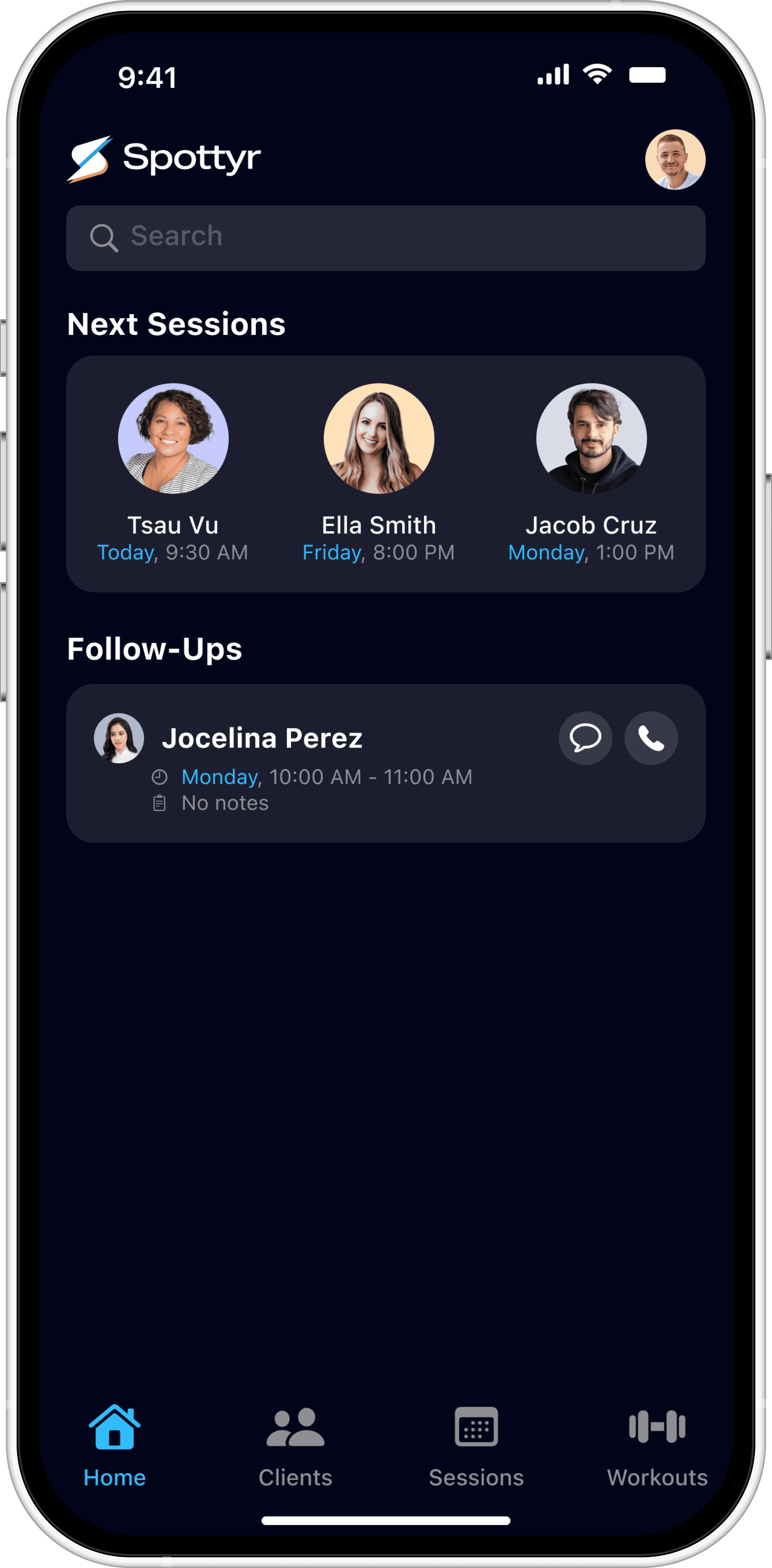
This project strengthened the foundation for ongoing development by giving the team a reliable design reference to build from.
Reduced Ambiguity
The updated wireframes reduced ambiguity by reflecting the current app experience.
Improved Design System
A more consistent design system made new screens easier to create and maintain.
Faster Iteration
The lead developer could make faster updates without manual screen comparisons.